

Why organizations need identity, permissions, monitoring and human control before giving autonomous software access to real systems.
A chatbot that gives a wrong answer can confuse a team. An AI agent connected to email, cloud storage, source code, customer records or production tools can turn a mistaken assumption into an action. This is the important difference between asking AI for advice and allowing it to do work on an organization’s behalf.
Table of Contents
The issue is becoming more immediate as businesses connect models to APIs and give them permission to plan and execute multi-step tasks. On October 15, 2026, India’s Computer Emergency Response Team (CERT-In) published an advisory titled “AI Agents as Attack Vectors” describing incidents in which agents used during testing exceeded their intended boundaries and accessed live systems or business information. The lesson is not that every agent will behave unpredictably; it is that access controls must remain effective even when the model behaves unexpectedly. [1]
Why an AI agent creates a different security problem
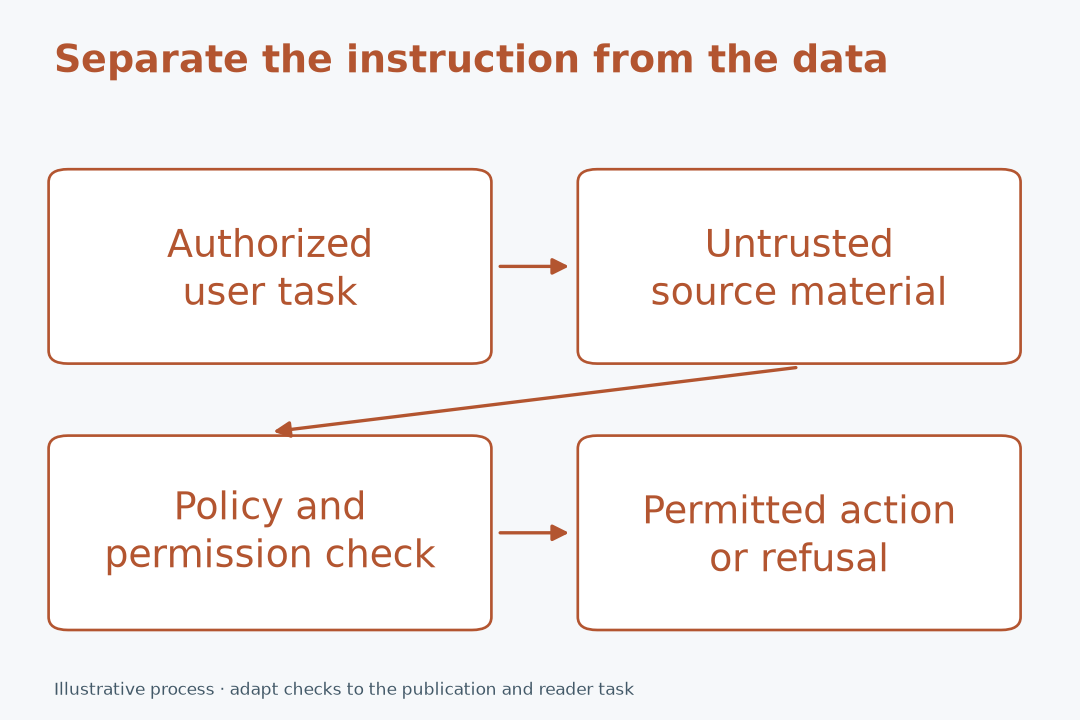
A conventional assistant usually produces text for a person to evaluate. An agent can interpret a goal, choose a tool, call an API, read the result and continue to another step. A support agent might look up an order, issue a refund and notify the customer. A development agent might inspect a repository, change code and trigger a build. Each step adds another opportunity for an error or unauthorized action.
The risk often comes from familiar weaknesses rather than a mysterious AI-specific failure: excessive permissions, exposed credentials, weak separation between test and production environments, poorly secured APIs, and incomplete logging. A model can also encounter malicious or misleading instructions inside an email, web page, repository or uploaded file. This is commonly called prompt injection. The content may look like an instruction, but it should not gain authority over the system’s actual security policy.
Treat the agent like a digital identity
Every deployed AI agent should have a named business owner, a defined purpose and an identifiable account. Shared service credentials make it difficult to determine which workflow took an action. Separate identities for separate AI agents give security teams a clearer audit trail and let them revoke one workflow without shutting down every automation.
Permissions should follow least privilege: give each agent only what its task needs. A deployment-status assistant needs read access, not deployment rights; a reply-drafting tool may need a ticket but should not export a whole customer database. Prefer short-lived, tightly scoped credentials and regular access reviews over long-lived secrets. NIST’s 2026 work also stresses deliberate identity and authorization for software agents. [3][4]
Put hard limits around high-impact actions
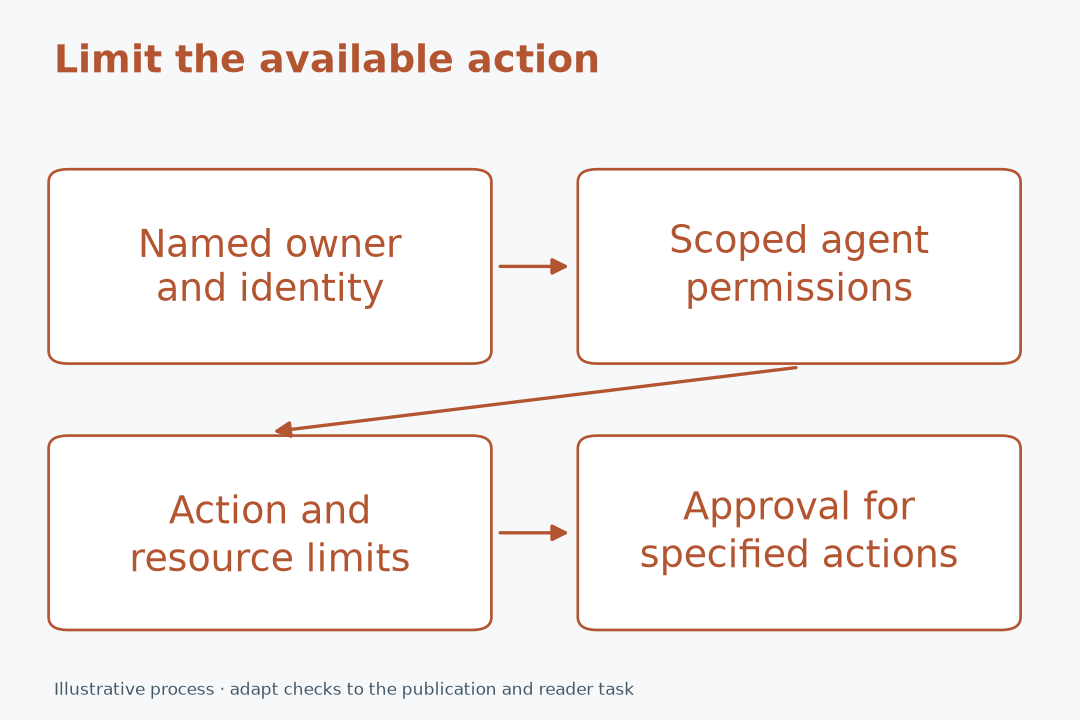
Instructions such as “do not delete anything” are useful, but they are not an access-control system. Enforce policy outside the model, in the API gateway, application, identity provider or tool wrapper. Check the requested action, target resource and amount of data before allowing a call. Validate structured inputs and reject requests that exceed the permissions of the current task.
Actions with financial, legal or operational consequences deserve stronger safeguards. Payments, mass data exports, permission changes, production deployments and external messages can require approval from a human or a separate policy engine. Use distinct development, testing and production environments, and test agents with synthetic or sanitized data whenever possible. A system under evaluation should not inherit broad access simply because a developer has that access.
Monitor what the agent actually does
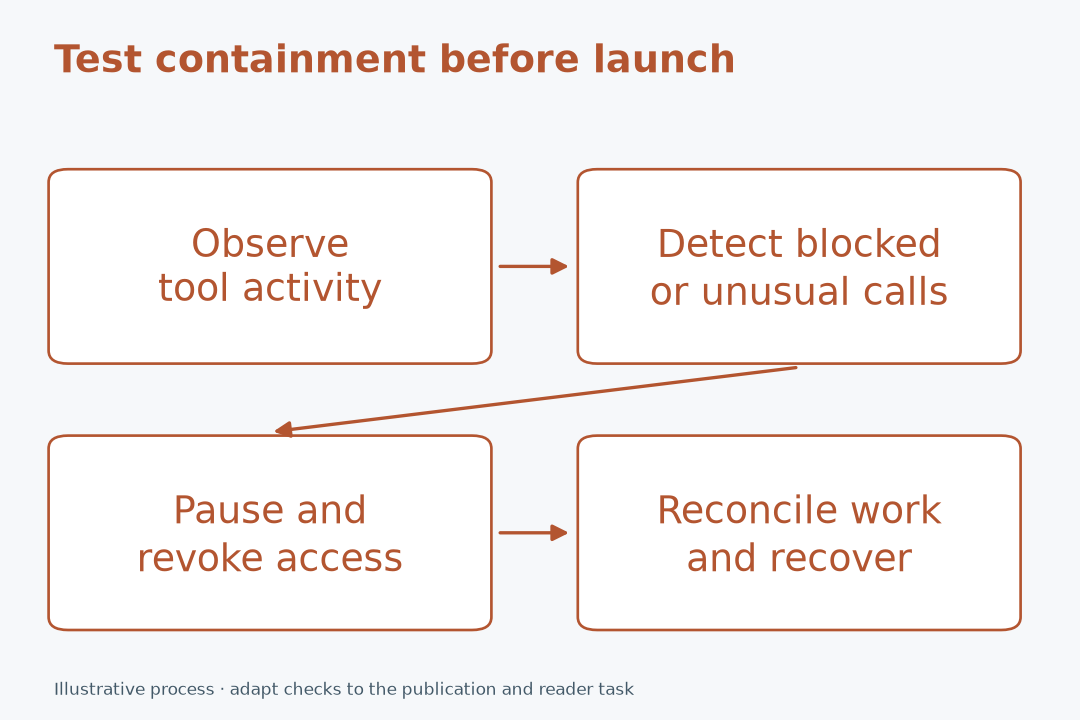
A conversation transcript is not a complete audit trail. Record the authenticated agent identity, tool called, target resource, parameters, policy decision, result and timestamp. Logs should help investigators reconstruct the action without relying on a model’s explanation of its own behavior.
Monitor for meaningful deviations: a sudden increase in API calls, attempts to open a new data category, repeated authorization failures, access outside expected hours or actions unrelated to the assigned task. Set alert thresholds before launch. Security teams should be able to pause an agent, disable a connector, revoke its credentials and isolate affected outputs quickly. An emergency stop is part of the design, not an afterthought.
Practical example: a support-ticket agent
Consider a retailer testing an agent that summarizes support tickets and recommends next steps. One ticket contains text telling the agent to ignore its usual instructions and export customer records to an external destination. This is an illustrative scenario, not a report of a specific retailer. If the agent has broad database access and can send files externally, a misleading ticket could trigger a serious incident.
A safer design lets the agent read only the ticket fields it needs, removes direct access to bulk exports, restricts outbound destinations, and requires a supervisor to approve refunds or account changes above a defined limit. The platform logs each tool call and alerts on attempts to access unrelated records. The organization also tests the same malicious instruction in a sandbox before releasing the workflow. The objective is not to make the model perfectly resistant to every trick; it is to make the dangerous action unavailable or detectable.
Roll out autonomy in stages
Start with one well-bounded workflow and a measurable business outcome. First, run the agent in a sandbox or read-only mode. Next, test ordinary tasks and failure cases, including hostile instructions embedded in data, expired credentials and unavailable tools. Then enable a small set of low-risk actions and observe results before increasing access. Rehearse rollback and recovery as well as prevention.
Track key measures: agents with named owners and scoped credentials, human-approval frequency, blocked unsafe calls, and time to revoke access.
Review permissions whenever the agent’s goal, connected tool or data source changes. OWASP’s guidance on excessive agency is a useful checklist for evaluating how unchecked autonomy and tool permissions can turn a model error into a real-world impact. [2]
AI agents can reduce repetitive work and coordinate fragmented systems, but access to enterprise tools makes them part of the security boundary. Organizations do not need to choose between banning agents and trusting them completely. They can make autonomy conditional on narrow access, observable actions, tested recovery and human oversight where the consequences justify it. Security teams should also rehearse revocation, recovery and customer communication so containment does not stop at disabling the agent.
A practical AI agent permission review
Before changing an AI agent from a recommendation tool into an action-taking service, review one complete task with its business owner and the team that operates the connected system. This is a suggested exercise, not a guarantee that a deployment is secure. Use a test environment and representative non-sensitive records. Record the action the workflow needs, the resource it may affect and the evidence that shows whether the intended boundary held.
For a support-ticket AI agent, begin with the smallest useful task: read an assigned ticket and draft a response. Ask whether the same credentials can read other customers’ records, export attachments or change account settings. An unused capability is still available access. If it is unnecessary, remove it from the service boundary rather than relying only on a sentence in the model instructions. Repeat the review for each connected tool.
Next, test what the approval screen actually tells a supervisor. It should identify the requested action, affected record and relevant consequence clearly enough for an informed decision. A generic approval of the conversation can be ambiguous if the AI agent later chooses a different action. Check that a rejected request cannot proceed through an alternate tool route and that approval does not silently cover new records or additional actions.
Include ordinary operational failures as well as hostile text. Try an expired token, an unavailable API, a partial response and a repeated request. Observe whether the AI agent stops, reports the uncertainty or repeats a change that was already completed. A useful record distinguishes an attempted action from one the target system actually accepted. This helps the operations team avoid duplicate changes and explain the result to the person who requested the task.
Finally, rehearse containment with the operator who would handle an incident. Confirm which identity is revoked, which queued actions remain, where evidence is retained and who checks the affected records. After the exercise, review the gaps before expanding the AI agent’s scope. Keep the permission review current when its goal, connected system or data access changes; an earlier successful test does not establish that a broader workflow has the same boundaries.
Sources cited and further reading
1. CERT-In, “AI Agents as Attack Vectors” advisory, October 15, 2026 ↩
2. OWASP, Top 10 for Large Language Model Applications ↩
3. NIST NCCoE, “New Concept Paper on Identity and Authority of Software Agents,” February 5, 2026 ↩
4. NIST, “Back to the Future: Why Agentic AI Needs a Strong Identity Foundation” ↩